TL;DR
- Built a Slack bot in 48 hours using only no-code tools for under $50 total
- The bot takes customer call transcript snippets and returns top 5 relevant testimonials, products, and modules
- Uses a 4-phase approach: data preprocessing → vector embedding → Slack bot config → RAG search pipeline
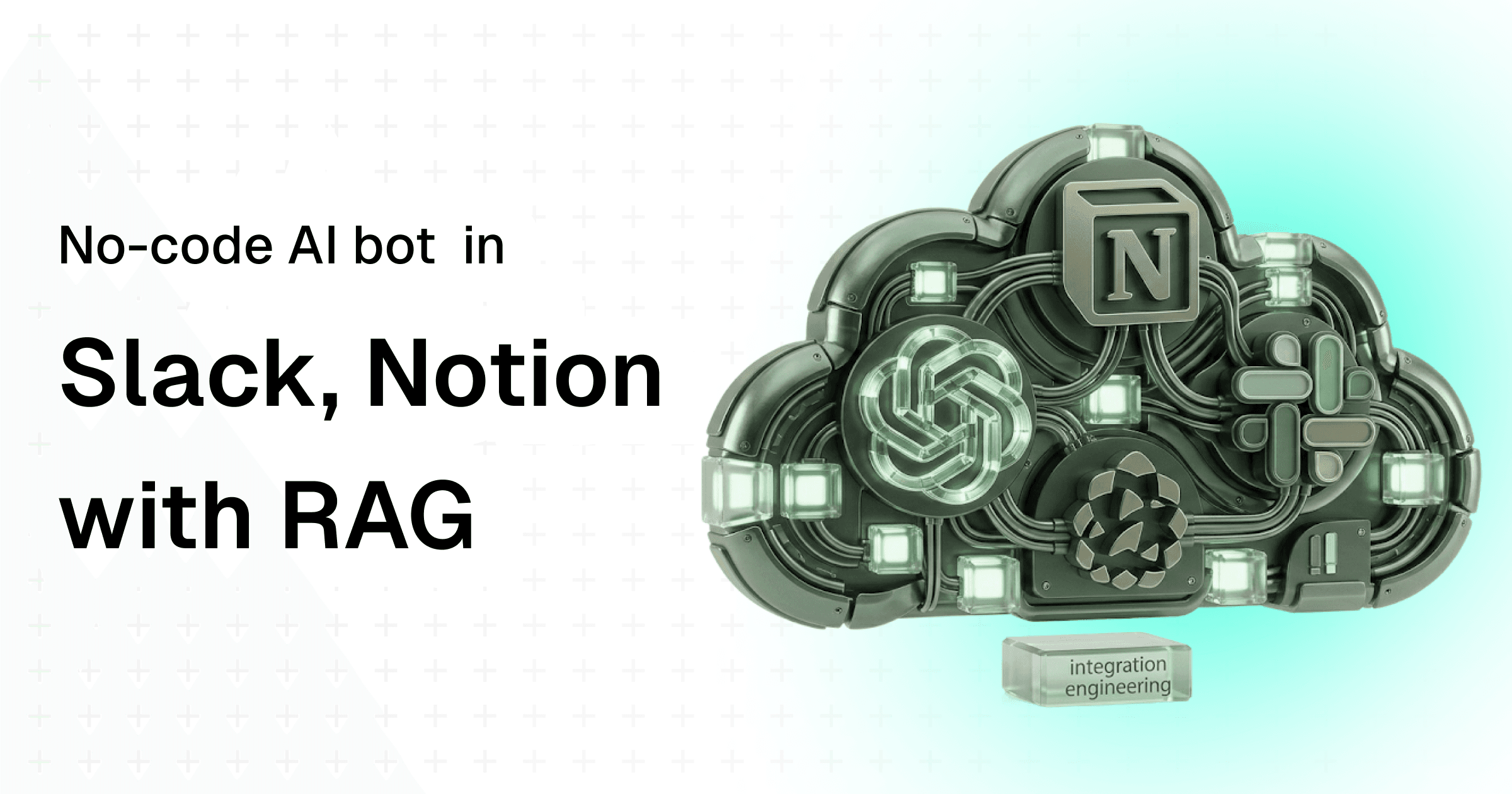
- Stack: Make (automation), OpenAI API (embeddings + generation), Pinecone (vector DB), Notion (CMS), Slack (interface)
- Each inference costs $0.01 — dramatically cheaper than manual content discovery
A Slack bot that takes customer call recording snippets (from Fireflies) as input and sends out top 5 recommendations of testimonials, products and modules contextually relevant for the customer; to help SDRs in sales enablement, and to shorten B2B SaaS buying cycles with large enterprises.
What is the need for a content bot in B2B SaaS?
You know what the problem with B2B SaaS sales cycles is? They're terribly long – but for (mostly) the right reasons. Often large enterprises are talking with multiple software vendors and they have to deal with multiple levels of approvals (and sells) internally before locking down on a vendor.
That being the case, B2B SaaS companies selling to such large enterprises need to figure out an efficient way to keep their prospects engaged throughout the buying process. Without reinventing the wheel, wisdom gives us the insight that content is going to be incredibly useful here.
Content that converts the prospect and lands the sale. These could be explainers, technical docs, philosophical thought leadership blogs, white papers, ebooks, demo videos, one-pagers, VSLs, testimonials – you get the gist. Practically, anything and everything that can solidify your positioning among other vendors in the eyes of the enterprise buyer.
But content fundamentally has a cycle time problem. To make mid generic content at scale is easy, thanks to commoditized tools like ChatGPT and Gemini etc. But to make personalized content that actually converts, in a reasonable amount of time, while the prospects are still 'warm' in the buying process, is a challenge. This challenge manifests itself ten-fold when you bring in scale and skill deficiencies into the equation.
One part of this problem – creating content at scale – can be solved (fairly?) easily with the help of a skilled producer who can create templates, that can be programmed. It is time-consuming, but it scales beautifully. Anything is better than having to 'go back to the whiteboard' every time personalized content has to be produced at scale.
The other problem – discovering and distributing content – needs some brain juice before it can be solved and not become a 'Where's Waldo' problem.
You see, when you start doing anything 'at scale', things break down on the discovery front. Most people can't catch up to the speed unless they actively need to. Requirements involving content are never active. It comes in passively at different touch points of the sales lifecycle. But it has to exist when needed, or the stakeholders, typically SDRs, are never coming back again (they have to keep the prospect warm by hook or by crook).
What if there is a way stakeholders could access all the most-relevant information from their massive content library, at the time they need it in the buying process, in less than 30 seconds?
This is the problem I've solved recently using no-code tools in about 2 days, in less than $50. I've solved this problem by creating a Slack bot that gets triggered on a slash (/) command, sends the user's query through a RAG pipeline, and responds back with the most contextually relevant pieces of customer testimonial videos, product information and module information.
Project outline
Before jumping right into building the slack bot, we'll have to perform certain actions in sequential phases to make sure we get the best results. Foremost, you need access to Make (previously Integromat) which is an automation platform that's going to act as our 'backend' in this project. Next, you need OpenAI API Keys (or any LLM API of your choice) for doing all the AI stuff.
Phase 1: Preprocessing
Fix errors in the dataset, address missing gaps, get the data in a desired structure. We'll be using the data stored on a Notion database.
Phase 2: Data Ingestion
Take the preprocessed data, convert it into embeddings, and store it on a vector database including descriptive metadata. We'll be using Google Sheets and Pinecone here.
Phase 3: Slack Bot Configuration
Create a slash (/) command triggered bot for interfacing with our backend scenario. Why does it have to be Slack, you ask? It doesn't have to. I just chose it because it's easy to set up. In theory, it can be any interface that can trigger an external webhook.
Phase 4: RAG Search on Incoming Webhook
Take the user's input from the incoming webhook triggered on Slack, search it on the linked vector database index, and send back the RAG results to the assistant for augmented generation.
Let's begin.
Why 'RAG' and how does it matter?
"How is this system different from using my custom GPT with documents?"
Oh, a lot.
To understand this difference closely, you need to understand the different levels people are improving the response quality of an LLM by feeding it contextual information.
AI Level 1: Using ChatGPT (or any vanilla LLM)
User sends a prompt directly to the LLM and receives back a very plain, system-generated response. Only the prompt tokens are sent to the LLM.
Con: The response is not contextual, as the LLM doesn't have access to the right information.
AI Level 2: Creating Assistants with System Prompts
User sends a prompt to an 'assistant'. This assistant has access to system instructions, that set the context using wordy text. Basically, it's like adding one more layer to your prompt where you tell the assistant to 'act like a 150 IQ corporate clerk…blah blah blah'. Instead of writing this every time along with your prompt, the system automatically adds its instructions to your prompt before sending it to the LLM. This time, your prompt tokens + system instruction tokens are sent to the LLM.
Con: Limited context. Surely, it can impersonate an analyst – but it can't be a good one without having access to the data.
AI Level 3: Creating Assistants with Knowledge
The prompt the user sends is augmented with the information that the system already has access to. This sends contextual data to the LLM and the response is already much better than the previous levels. But there is a caveat here.
Con: The system essentially sends the entire file as part of the prompt (think 6000 page document). This blows up the input tokens and context window obviously gets blurred when working with such large data that is not properly handled in chunks. While the response is better, it could be at least 2x better in a RAG system.
AI Level 4: Retrieval Augmented Generation (RAG) Assistant
Retrieval Augmented Generation (or RAG) is a systematic approach to building AI systems where the user's prompt is passed through an embedding model to query an existing database of vectors. This semantic similarity search, gives the most contextual results based on the query. These results are further fed to the assistant as knowledge to augment the generation of the LLM. Hence the name, Retrieval Augmented Generation.
Think of it like an additional layer of not only proving contextual information, but also the information that is most relevant to the user at a point in time based on the input.
Hold on, what are Embeddings?
Good question. Think of embeddings as a very large higher dimensional 'vector' (remember physics?) space. Every string of text like "Hello world" is converted to a very large vector space that describes and defines this phrase in 1500+ dimensions.
These vectors need to be stored in a special kind of database called vector databases, that can handle semantic similarity search ('close') between two vectors (one incoming and one stored) giving out an ordered list of relevant items, including a similarity score.
We don't need to fully understand the inner-workings of embeddings as long as we're clear on the model we're using to create the embeddings before it gets stored to a database, and the model we're using to create the embeddings of the incoming user input.
Phase 1: Preprocessing the data
Let's get started. What we're starting with is a library of customer testimonial videos of about 200 items. Each of these videos are about 3 minutes long on average. So we're dealing with roughly about 600 mins (or 10 hours) of video content.
This video content is managed on Notion as a CMS, where every video has the following properties: Title, Description, Customer, Company, Transcript, Duration, Features, Modules, Public Link, etc. The database on Notion has at least 10 more properties that were meant for internal usage and not relevant for us to build this system. So yes, you can selectively choose only the properties you want to keep in this system and ignore the internal properties.
To build a RAG system, we need to separate the properties from Notion and manage them in a structured format like JSON on Google Drive, with all the gaps plugged in smartly using AI. This is our first step.
For creating the assistants, I used OpenAI platform to quickly create an assistant for processing the formatted text fields in the notion library items to plain text. Let's call this assistant 'Transcript Handler: 3.5 turbo' for future use. I've also created another assistant called 'Gap Filler: 4.5-preview' to fill gaps in the empty fields based on other existing data points.
I'm using the automation platform Make to build the scenario. They're very beginner friendly and it took me less than 2 hours from getting introduced to the platform to build this PoC:
Explanation:
- First, get items from the Notion database for Content Library.
- Then, filter through the results to include only the customer videos that match the type of 'Testimonial' and has the transcript added to them.
- Pass this data to an assistant (Transcript Handler). You need to have this assistant set up with the right system instructions prior.
- Parse the text output as a structured JSON.
- Pass this JSON video object into the assistant (Gap Filler) to identify and add tags to the JSON properties.
- Take the output of the assistant and store it on Google Drive as a JSON.
When I was building this, I was unaware of the possible errors that I could run into while trying to execute this scenario. Hence, my first iteration was one without any errors.
But I very quickly realized this mistake.
Firstly, in this approach, items were being duplicated and sent over and over again. There was no check to complete the feedback loop. As a result, only the same 20 videos were getting processed over and over again. Secondly, OpenAI API sucks in certain cases where the input is too long, or not in a format it's expecting. Thirdly, even if I set up a way to update the feedback into Notion so that the recursion problem stops, certain rich text fields on Notion have a character limit of 2000 and it can lead to a scenario failing as well when handled through API. But somehow Notion is able to handle it if I do this manually. So I just need to know when something failed in the automation, so I can handle it manually to keep the scenario running. Fair. After dissecting these mistakes, I was able to come up with the next iteration of the system.
This system addressed all the edge cases and errors I ran into. It would also send a slack notification to me whenever the Notion error occurs so I can go ahead and fix it manually before the next run of the scenario.
All is well… or so I thought.
Moving to the next step, I realized the Google Drive files can't be downloaded easily, and even if they can be, parsing that JSON data in response object coming from drive is a major pain in the a**.
Also, I'm writing this article 100% myself without using any AI tools. This is my needle-in-the-haystack test to make my content stand out among other AI-generated content. If you come across any mistakes or factual inaccuracies, please leave a comment on the blog.
After climbing this beast of a mountain as a novice, I turned back and realized that I've climbed the wrong mountain (LOL). I could've just exported the output on Google Sheets instead of Drive and I would've been easily successful. After realizing this mistake, I worked on a disposition scenario to get all the data dumped on Notion after filling gaps and processing formatted transcripts into a Google Sheet.
Now this Google Sheet changes/additions is going to serve as the entry point for our next scenario.
Phase 2: Ingesting the data into Pinecone after creating Embeddings
After browsing through some tutorials and documentation, I landed up on Pinecone as the desired platform for hosting my vector database. It is also super easy, and comes fully integrated with Make out of the box. Hence, I didn't have to deal with all the hassle of getting that integration set up.
Explanation:
- Wait for any new row additions or changes to the Google Sheet.
- Chunk the information coming in from Google Sheets into a single JSON variable.
- Parse this JSON variable to make it a safe string that can be used by the embeddings model. Copy the following function to achieve this, replacing the
$message$variable with the variable created in the previous step.
``` replace(replace(replace(replace(replace(replace(replace($message$; "/\\n/g"; space); "/\\r/g"; space); "/\\t/g"; space); "/\\f/g"; space); "/\\//g"; "/"); "/\\\\/g"; "\\\\"); "/\"\"/g"; "\\\"\"") ```
- Send this safe string to the embeddings model (text-embeddings-3-small) and send the output vector to Pinecone.
- Search (cosine algorithm) if a vector exists in the database with the relevant metadata, otherwise upsert (update/insert) the vector into the index.
After repeating this for all the 200+ customer videos, I got something like this on Pinecone.
If I were to send all these 212 videos with every prompt, I would be blowing up my context window and input tokens by emptying my wallet. Thankfully, my AI assistant doesn't have to go through all these 212 videos every time.
And I created two new similar indexes describing our range of offerings across products and enhancements, and modules with blurbs. In total, I've now got three Pinecone indexes ready to take an incoming query.
Phase 3: Configuring the slash (/) command Slack bot
This is fairly the easiest and simplest step of all. Slack offers three kinds of bots: reply bots, notification bots, and slash command bots. Slash command bots are better for two way communication and interactivity.
To get started, you need to have an active Slack subscription and a workspace where your team is active in. Visit api.slack.com and get started in these three easy steps:
- Add a slash command and define the following scopes:
``` files:read files:write chat:write commands im:write users:read ```
- Create a webhook on Make and add the webhook URL to the bot's configuration. Don't worry, you can move to the next phase, get the webhook URL from Make and then update the URL to your Slack bot as well.
- Install the app in your organization. Once done, install the app across your organization and setup channel configurations where the bot can send the response message back.
Optionally, you can setup Incoming Webhooks on Slack to send our RAG system's response back as a reply to the user message.
This webhook you have mapped against the slash command on your bot will be the entry point for our RAG marketing automation.
Phase 4: Building the RAG search system and send it back to Slack
Okay, here is the actual moolah of this entire article. Once all the prerequisites are handled with, it's time to actually set up the RAG search pipeline and send the results back to the user. On simple terms, our system should do the following three things:
- Retrieve data from related vector stores and knowledge based on the user prompt.
- Augment the user prompt and enrich it with relevant retrieved information.
- Generate the final response using the augmented prompt that is enriched with contextually relevant data.
Explanation:
- Listens to incoming webhooks on trigger from the Slack bot. Expects information in the form of a customer call transcript snippet.
- Sets a variable called message, and parses the incoming message into a JSON safe string suitable for passing to an embedding model (text-embeddings-3-small).
- Pass on this vector embedding to query the vector indexes (read: databases) created in the last phase.
- This operation is sent via a router that queries an index, aggregates the top 5 results as an array and sets it on a variable for future use.
- Once all the three routes are processed, we'll have the arrays of top 5 customer videos, top 5 products and top 5 modules stored in individual variables.
- We now combine these search results, aggregate them into an array and send it to the assistant (Recommender: 3.5-turbo) for storing the recommendations as part of the user prompt.
- Then, finally we pass the augmented prompt to the final assistant (Personalizer: 4.5-preview) which generates a structured response that can be sent back to Slack.
Finally, our RAG system is ready, built using only no-code tools and integrations. Now any non-technical user can type /content on Slack followed by pasting a chunk of the customer call transcript (usually received from meeting capture tools like Fireflies, Otter, etc.). In less than 30 seconds, the system sends back a message that is personalized for the customer and includes the top 5 testimonials, products and modules relevant for them. Every inference costs $0.01 in total.
In total, this project cost me about $32 to set up. Including few costly mistakes I made in phases 1 and 2. I'm writing about it in this article so that it may someday help people avoid these pitfalls and achieve their desired results faster, without losing money.
How can this evolve to be not so basic?
- Automate the sending of response as an email directly to the prospect. This means every time a customer call is completed, the SDR just has to trigger the Slack bot once and in less than 30 seconds, most contextually relevant information would be sent to the prospect via email. No more "I will get back to you with the right information" ever again. But it also poses an ethical question of having a human-in-the-loop check. It is still possible that the system might send wrong/outdated information to the prospect. It's important for a human to check what is being sent to the prospect, even if it's just proofreading.
- Enable a real-time sync between Notion and Pinecone so that any updates are automatically vectorized. Often, things are being changed in multiple places. For our RAG system to work effectively, there has to be a single source of truth, and it has to dynamically update the changes to the vector database. But the challenge here is that things can keep changing quite often. Every single one of those changes should not trigger the scenarios. Lest, the operation will become quite expensive. Need to smartly set up time delays so that it's not being sent out in bulk for every minor edit to the CMS.
- Add more indexes of content that is relevant to be used in sales enablement to speed up the B2B SaaS buying process. I'm sure there are other stores of data that are relevant at other touch points in the B2B SaaS buying process. All these data stores need to be indexed as vectors to empower powerful semantic similarity search. I've just used 3 data sources here (customer videos/testimonials, products, and modules). In theory, you can have tens and hundreds of indexes running in parallel, each holding a significant piece of information that is important for the business. Because we're not dealing with any context window limitations, we can have as many pieces of data stores as humanly possible to enrich our RAG system's knowledge.
- Explore open-source alternatives and APIs to reduce cost at scale. Make charges me on the number of executions. OpenAI charges me for every time an API is called (including failed responses). Notion is quite expensive for managing a CMS at the enterprise level. The costs for all these tools exponentiate when you're operating this system at scale within an organization with many users. Not to mention, there are so many security and privacy concerns with my current implementation which makes it unfit for usage in SOC-2 compliant companies. All of these need to be addressed before rolling out such a system org-wide.
- Extend the automation to generate designs and other rich media content. Once the information is processed and made available through AI tools, it's only a natural extension to get a structured output and integrate with complex rich media creation tools like Figma REST API for editing design templates at scale, or Runway API for generating videos, or ElevenLabs API for generating voiceovers. Once you have this system, the sky is the limit to where you can extend it.
This is a simple implementation I was able to figure out and implement in less than 48 hours and $50. That's why you're reading about it on a blog. Most complex implementations I've done since this inception requires an entire documentation to be able to replicate. But fundamentally, concept is the same.
Connect different services through APIs, augment and pass information between every API node, and automate this based on programmatic triggers and webhooks. The entire stack I've used to achieve this use case can very well be replaced with an open-source stack. It is the convenience to set this up that prompted me to use these no-code tools. Alternatively, n8n community edition (open source) is good enough to replace Make.
When I learnt this wizardry, it felt like a new world open up in front of me where I can combine years of engineering education, marketing experience and technical wisdom to create AI solutions in less than 24 hours. That is the real power of a system like this. The tools and techniques might change and evolve in the coming years. But the approach, and design thinking for problem-solving is not going to change.
Stay hungry, build crazy. Godspeed!
Related reading from this blog:
- What is a No-Code Platform in 2026 — The skills that actually matter for no-code development
- From Prompt to Production — Why the gap between a working prototype and a production system is where engineering lives
- To err is human — The mistakes I made building this bot are what made the final system better